
How to Buy Crypto with Your Credit Card in 2 Minutes (Beginner's Guide)

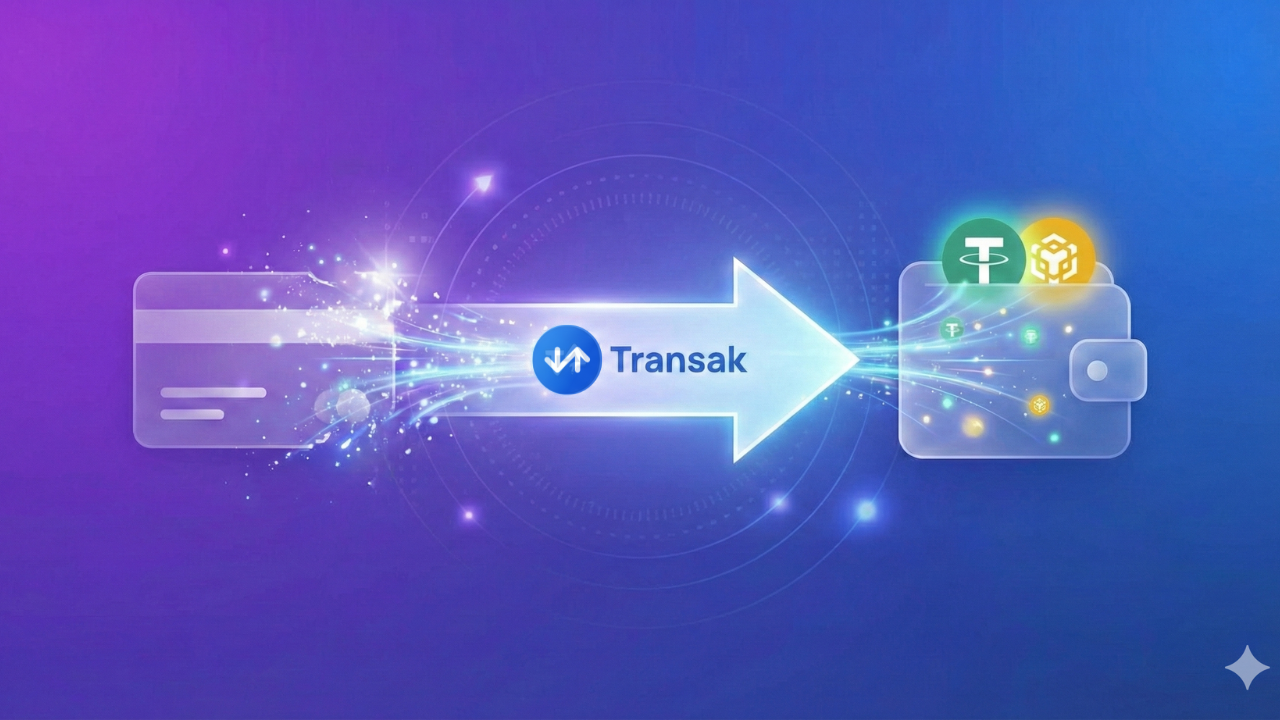
Think buying cryptocurrency is complicated? Think again!
If you've ever wanted to try crypto but felt overwhelmed by exchanges, wallets, and technical jargon - this guide is for you. We'll show you how to buy USDT (a stable cryptocurrency) with your credit card in just 2-5 minutes, without any prior crypto experience.
What is USDT and Why Use It?
USDT (also called Tether) is a stablecoin - which means its value is always equal to $1 USD. Unlike Bitcoin or Ethereum that go up and down in price, 1 USDT always equals $1.
This makes it perfect for payments because:
- ✅ No price volatility - you know exactly what you're paying
- ✅ Fast transactions - confirmed in seconds
- ✅ Low fees - only $0.10-0.30 per transaction
- ✅ Works globally - no currency conversion needed
What is Transak?
Transak is like an online currency exchange that converts your regular money into crypto. Think of it as a bridge between your credit card and the crypto world.
Why trust Transak?
- 🏛️ Fully licensed and regulated in the UK
- 👥 Over 5 million users worldwide
- 🤝 Used by MetaMask, Coinbase, Ledger, and OpenSea
- 🔒 Bank-level security for your payment details
Important: When you use Transak, your payment goes directly to Transak - not to us. SaraInMotion simply provides the link to make buying crypto easy for you.
What You'll Need
Before you start, make sure you have:
- A crypto wallet - We recommend Trust Wallet (mobile) or MetaMask (desktop/mobile)
- A credit or debit card - Visa or Mastercard work best
- 5 minutes - That's really all it takes!
Don't Have a Wallet Yet?
Trust Wallet (Easiest for beginners):
- Download from App Store or Google Play
- Create a new wallet
- Write down your recovery phrase (very important!)
- You're ready!
MetaMask:
- Visit metamask.io or download the app
- Create a new wallet
- Save your recovery phrase securely
- Add BNB Chain network (search "how to add BNB Chain to MetaMask")
Step-by-Step: Buying USDT with Your Card
Step 1: Get Your Wallet Address
Open your wallet app (Trust Wallet or MetaMask) and copy your wallet address. It looks something like this:
0x1234...abcdThis is like your "account number" for receiving crypto.
Step 2: Go to Our Top-Up Page
Visit sarainmotion.social and scroll down to the "Top Up Your Wallet" section.
Step 3: Paste Your Wallet Address
Paste your wallet address into the box provided.
Step 4: Click to Open Transak
Click the button to open Transak. A new window will appear.
Step 5: Choose Your Amount
Select how much USDT you want to buy. The minimum is usually around $30.
Step 6: Enter Payment Details
Enter your credit card, debit card, or use Apple Pay / Google Pay. Transak processes your payment securely.
Step 7: Wait 2-5 Minutes
That's it! Your USDT will arrive in your wallet within 2-5 minutes. You'll see a notification in your wallet app.
First Time? Transak May Ask for ID
For your first purchase (or larger amounts), Transak may ask you to verify your identity. This is normal - they're a regulated financial service.
What they might ask for:
- Photo of your ID (passport or driver's license)
- A selfie
- Proof of address (sometimes)
This usually takes just a few minutes and only needs to be done once.
Common Questions
Is this safe? Yes! Transak is fully regulated and your card details go directly to them, never to us. It's as safe as any online purchase.
What if my card gets declined? Some banks block crypto purchases. Try a different card, or use Apple Pay/Google Pay which often work better.
How long does it take? Usually 2-5 minutes. First-time verification might add a few extra minutes.
What's the minimum amount? Typically around $30, but this varies by payment method and country.
Do I need to do this every time? No! Once your wallet is set up and funded, you can use it again and again. Think of it as a one-time setup.
What's Next?
Once you have USDT in your wallet, you can:
- Subscribe on SaraInMotion - Just $0.99/day for unlimited AI chat + 20 photos daily
- Book video dates - Starting at $4.99 for 5 minutes with real creators
- Send tips to your favorite creators - 100% goes directly to them
Visit sarainmotion.date and click "Buy Subscription" - your wallet is ready to go!
Need Help?
Still have questions? Our Crypto Specialist Julie is available 24/7 on sarainmotion.social to guide you through the process. Just ask her anything about Transak, wallets, or payments!
Quick Summary
- Get Trust Wallet or MetaMask (free)
- Go to sarainmotion.social
- Paste your wallet address
- Pay with card through Transak
- USDT arrives in 2-5 minutes
- Subscribe on sarainmotion.date
It's really that easy! 🚀
Have questions? Email us at support@blpagency.org or chat with Julie on sarainmotion.social